
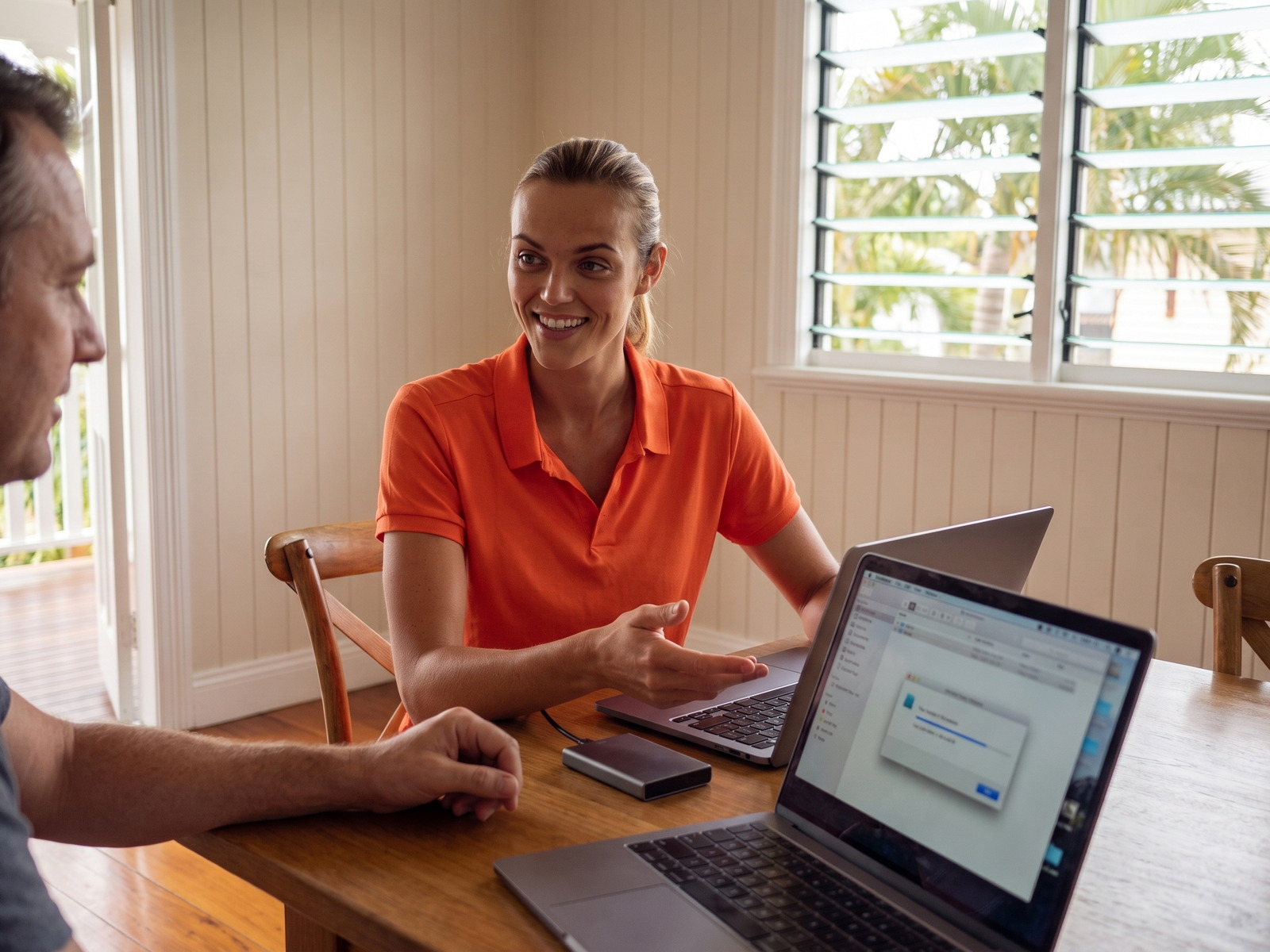
Our Data Services
Everything you need to move, backup, and protect your data
Related: Data Recovery | Device Setup | Computer Repairs | Why choose us
Computer Data Transfer
Transfer all your files, photos, documents, and settings from your old computer to your new one.
Phone Data Transfer
iPhone to iPhone, Android to Android, or switching platforms — we transfer contacts, photos, and apps.
Cloud Backup Setup
Configure automatic cloud backup so your files are always protected and accessible from anywhere.
Local Backup Service
Set up backup to an external drive with automatic scheduling so you're always protected.
New Computer Setup
Complete setup of your new computer including Windows/Mac config, software installation, and data transfer.
External Drive Transfer
Move files from old hard drives, USB sticks, or memory cards to your current computer.
Device Transfers We Handle
We move data between any combination of devices
PC to PC
Windows to Windows transfer
Mac to Mac
Apple computer transfer
PC to Mac
Cross-platform migration
iPhone to iPhone
iOS device transfer
Android to Android
Samsung, Google, etc.
Android to iPhone
Switch platforms easily
Old to New Laptop
Any laptop upgrade
Hard Drive Recovery
Pull data from old drives
What We Transfer
We move everything that matters to you
Backup Solutions
Protect your data with the right backup strategy
Our Transfer Process
How we safely move your data
Assessment
Review what needs transferring
Backup
Secure copy of all data first
Transfer
Move files to new device
Verify
Check everything transferred
Setup
Configure your new device
Tutorial
Show you where everything is
What Brisbane customers say about data transfers
Verified Google reviews from customers whose data we moved.
DaveQ1
Chungdu did a great job migrating the data from my old laptop to my new laptop. I'm very satisfied with the service.
JT
Incredibly happy with Harry and Geeks Brisbane! Saturday afternoon, dead computer - in 24 hours, I had a new computer, all my data restored and everything working perfectly. Fantastic service, cannot fault it. Still pinching myself that a business like this exists. Thanks very much Harry 😀
Judith Quinn
Very happy the Geeks Brisbane. I got all my mobile data transferred from my old iPhone 10 to my iPhone 17. All done effortlessly & efficiently. I have no hesitation in recommending Geeks Brisbane. Thanks very much.
Data Transfer Pricing
Transparent pricing for peace of mind
Data Transfer Service
Transfer + backup + new device setup
Most transfers completed in 1-3 hours
- Complete data transfer
- Safety backup before transfer
- New computer/phone setup
- Email account configuration
- Verification of all files
- Tutorial on new device
Your data is safe — We always backup before transferring
Frequently Asked Questions
Common questions about data transfer and backup
How much does data transfer cost?
Data transfer and new computer setup starts at $205 per hour. Most transfers are completed in 1-3 hours depending on the amount of data. We provide a clear quote before starting.
Can you transfer data from old to new computer?
Yes! We transfer all your files, photos, documents, music, browser bookmarks, and more. We can transfer between Windows PCs, Macs, or even from PC to Mac and vice versa.
Do you transfer iPhone to iPhone data?
Absolutely. We help with phone transfers including iPhone to iPhone, Android to Android, and even switching from Android to iPhone. We transfer contacts, photos, messages, and apps.
Can you set up my new computer?
Yes, we offer complete new computer setup. We'll configure Windows or macOS, install your software, set up your email, connect printers, transfer your files, and show you how to use it.
What backup options do you offer?
We set up both local backups (to an external hard drive) and cloud backups (iCloud, OneDrive, Backblaze). We can configure automatic backups so your files are always protected.
How long does a data transfer take?
Most transfers take 1-3 hours depending on how much data you have. Very large transfers (500GB+) may take longer. We work same-day and can often complete the transfer while you wait.
Need Your Data Transferred?
Book now and we'll move your files safely to your new device